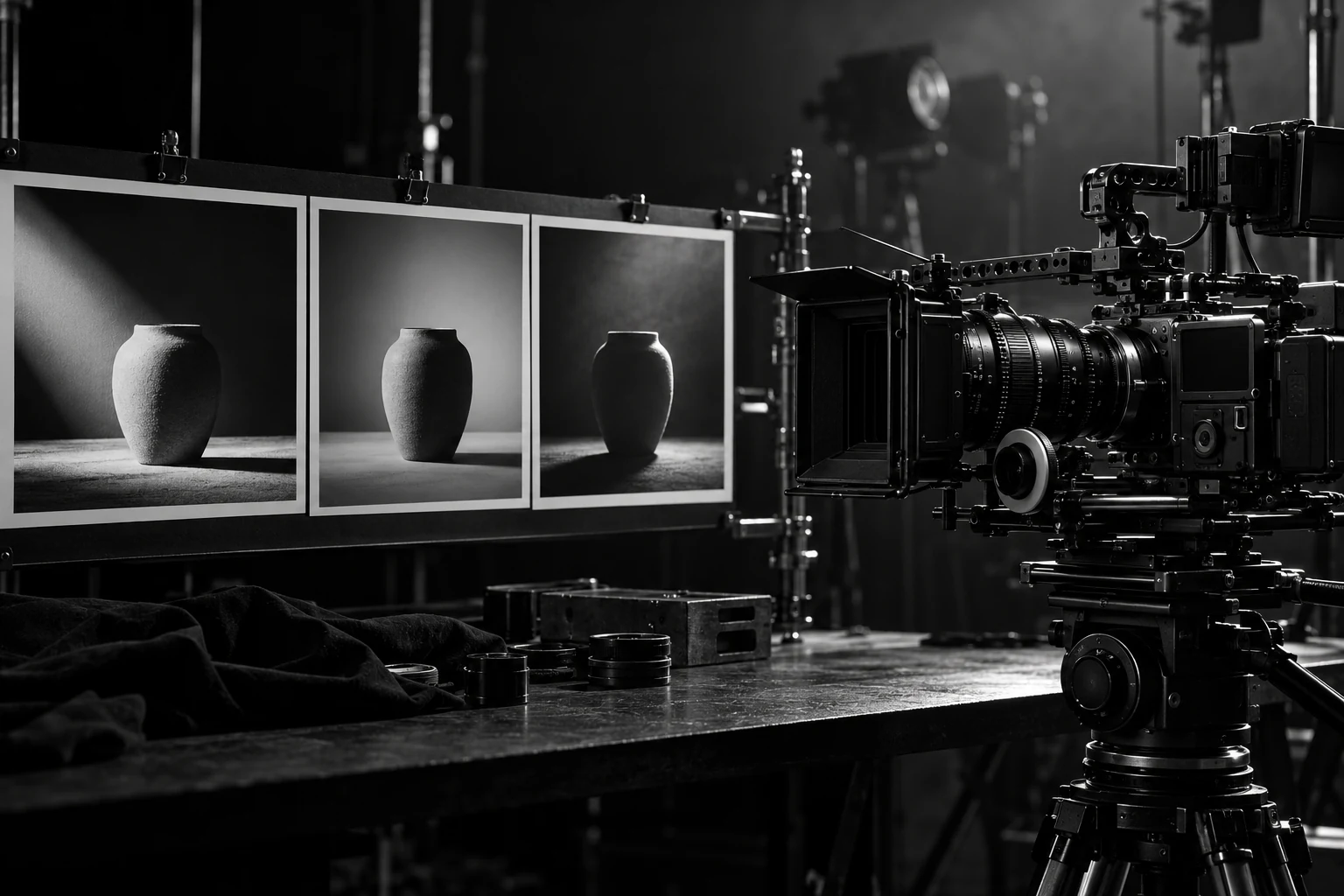
Evaluate the shot you need to deliver, including continuity, editing, audio, and the cost of rejected takes.
Read the release carefully
Kling 4.0 is interesting because of the control it promises, not just the length of the clips. The September 30, 2026 announcement describes generation up to 30 seconds, reference inputs, multiple keyframes, and audiovisual improvements. It says the release is entering early access with a broader October rollout. [1]
One detail deserves care: the same announcement labels 10-bit HDR output at 4K and 1080p as coming soon. Do not turn a roadmap item into a confirmed delivery requirement. Check the selected model, account access, generation mode, and export options in the actual product before promising a client a particular file. [1]
We have not run a comparative Kling 4.0 production benchmark for this article. The workflow below is a practical first test. Its purpose is to help you find out whether the tool can deliver your shot, at an acceptable cost, in a form an editor can use.
Choose one difficult detail
Start with a short shot that has a clear subject and a visible action. A ceramic cup sliding into frame, a bottle turning on a tabletop, or a camera moving slowly past a static object gives you a manageable test. A busy scene with several people, a moving vehicle, dialogue, and a complicated camera move makes failure harder to diagnose.
Pick the detail that matters to the project. For a product ad, it may be the shape of a lid or the placement of a handle. For a character scene, it may be identity across a cut. For a demonstration, it may be the order of an action. Define that detail before generating anything.
You are not trying to prove that the model can make attractive footage. You are checking whether it can preserve the thing the job depends on. A beautiful take that changes the product is still an unusable take.
Prepare references with a purpose
Use material you have permission to use, and give each reference a job. One may define the product, another the environment, and another the desired framing. If two references contradict each other, resolve that contradiction before asking the model to do it for you.
The launch describes support for multiple reference assets and up to ten keyframe images. Treat these as available controls to verify in your account, not an instruction to fill every slot. More inputs can create more conflicts. Start with the minimum set that makes the intended shot unambiguous. [1]
For a product, provide clean views with consistent details. If the label must be exact, plan to use real approved artwork in the final composite. Do not make the whole production depend on a generator reproducing small typography perfectly in every frame.
Brief the motion in plain language
Describe the subject, action, camera, setting, and things that must stay unchanged. Use time or sequence when it matters. “The bottle remains upright while the camera moves slowly from left to right” is easier to review than a paragraph of cinematic adjectives.
A first test might ask for a five-second tabletop shot, a fixed product shape, one slow camera movement, and a clean final frame. Specify whether the shot needs dialogue, ambient sound, or silence. Keep the camera instruction compatible with the action rather than asking for several dramatic moves at once.
Save the brief with the output. When something fails, change the part connected to the failure. If the bottle bends, simplify the movement or improve the product reference before adding more descriptive language about realism.
Review it as footage
Watch the result at normal speed, then inspect the frames around the important action. Check object shape, contact with surfaces, reflections, occlusion, and continuity. For speech, check the words and synchronization. For a product claim, confirm that the sequence does not invent a capability the actual item lacks.
Open the exported file in your editing workflow. Check duration, frame size, frame rate, audio, and whether the image survives the intended crop and compression. A preview inside a generation tool is not the complete delivery test.
Use a short acceptance sheet. Mark each take as accepted, repairable, or rejected, and give a reason. “Handle changes shape at three seconds” is actionable. “Looks off” is harder to learn from. Save the rejected takes long enough to understand what made the accepted one different.
Count the cost of getting there
Include rejected generations, time spent adjusting the brief, editing, cleanup, audio work, and review. The useful production number is the cost of an accepted shot or finished asset, not just the charge for one generation.
Compare against a reasonable alternative. A simple product move may be cheaper to shoot directly. A difficult environment or a conceptual transition may make generation more attractive. The right choice depends on the shot, the accuracy requirement, the schedule, and the material you already own.
If the first test succeeds, expand one dimension at a time: a longer action, another angle, a cut, or dialogue. Keep the earlier accepted brief as a reference. That creates a production method you can repeat, rather than a folder of impressive clips whose results you cannot reliably reproduce.
Sources & notes
Primary references for the product details and research discussed above. The examples and practical recommendations are our editorial interpretation.
- Kling AIIntroducing Kling 4.0 ↗
September 30, 2026 announcement. It distinguishes early access, rollout plans, and HDR features marked coming soon.
CHECKED / 24 OCTOBER 2026
About this article
Prepared by JDGMNT Editorial on 24 October 2026. Worked examples are illustrative; they are not campaign results or product benchmarks. References are dated to the source check above. The artwork was generated for this collection.